live-queue-player
Getting Started
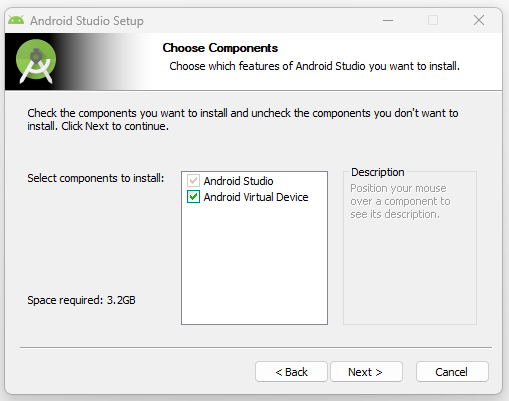
- Install Android Studio (the official Android IDE) and Android Virtual Device in your desired location.
-
Start Android Studio.
-
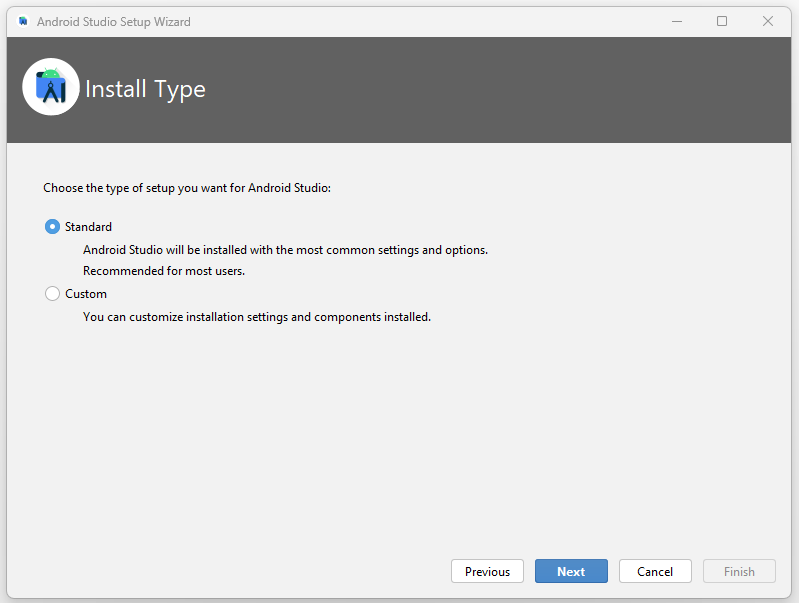
Select Standard for the Install Type.
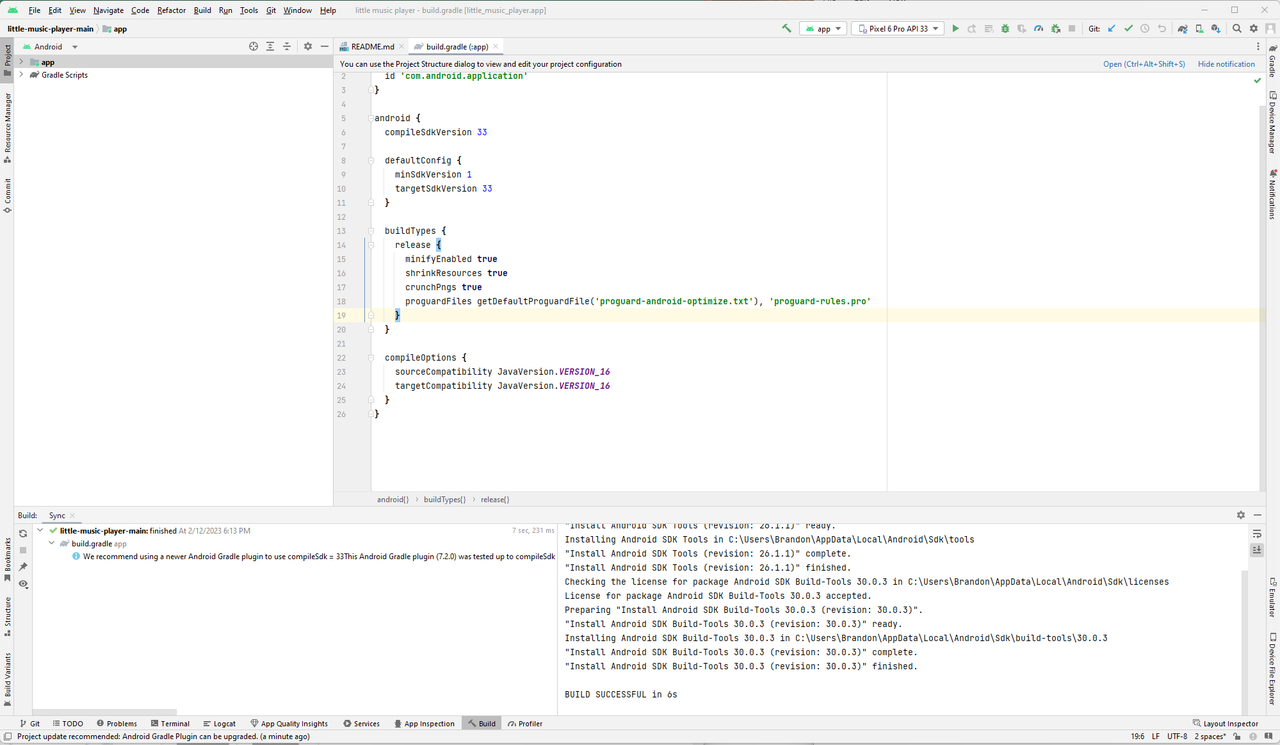
- Import the project.
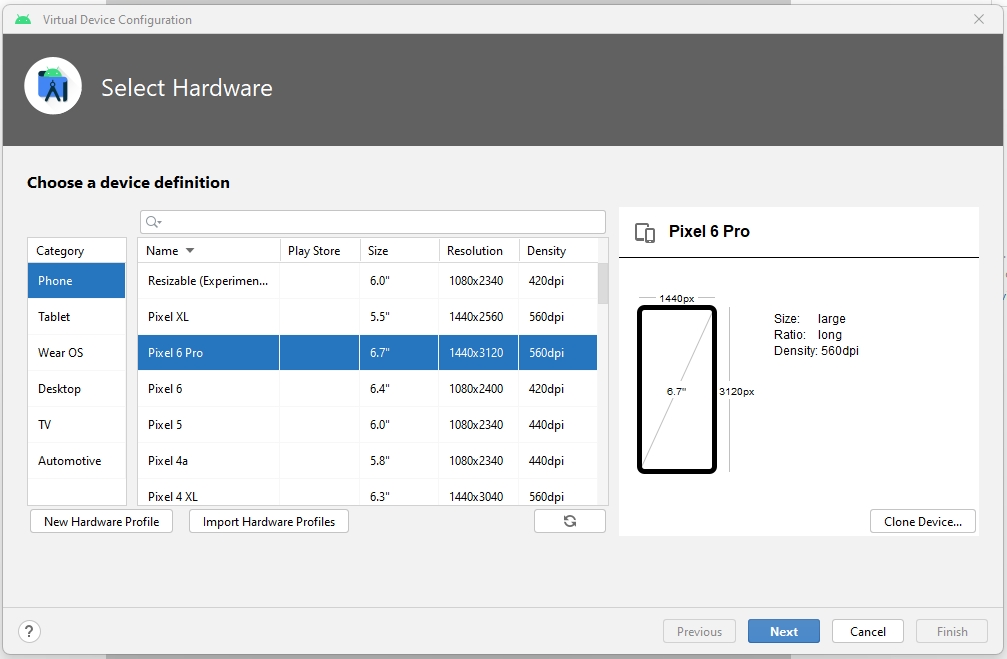
- Create a virtual device (for this example, we’ll go with Pixel 6 Pro).
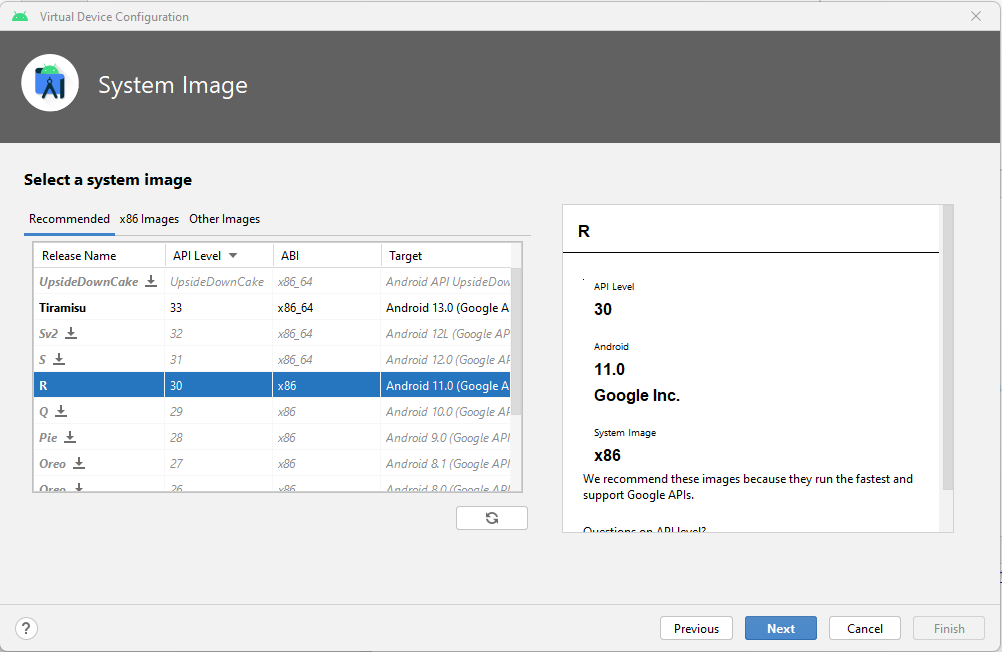
- Choose a system image (for this example, we’ll go with R).
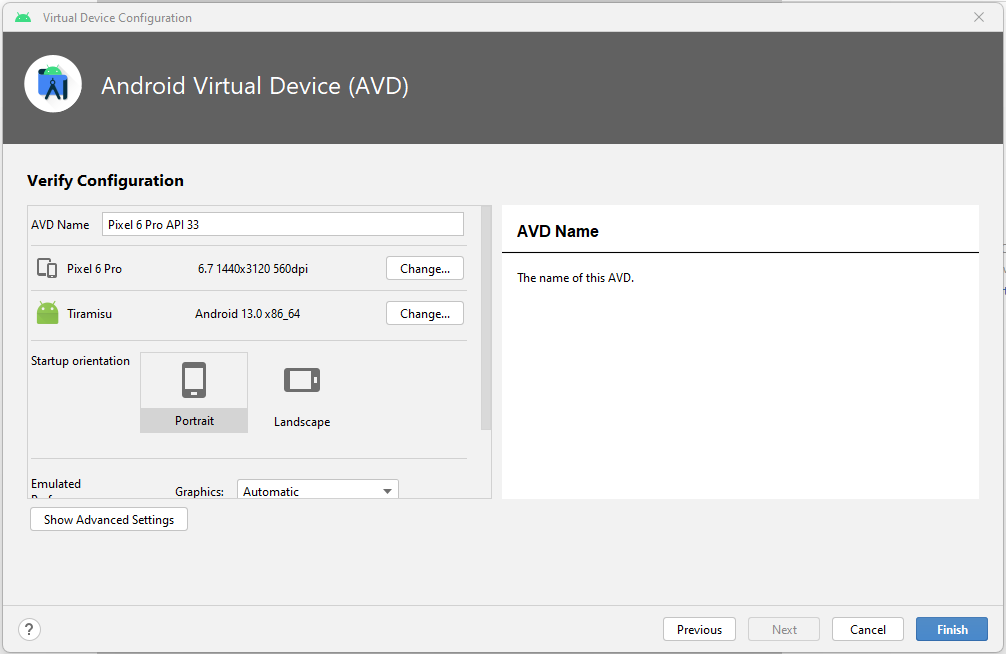
- Verify the configuration (for this example, we’ll leave everything as default) and select Finish.
-
Build the project.
-
Run it on the virtual device we created.